
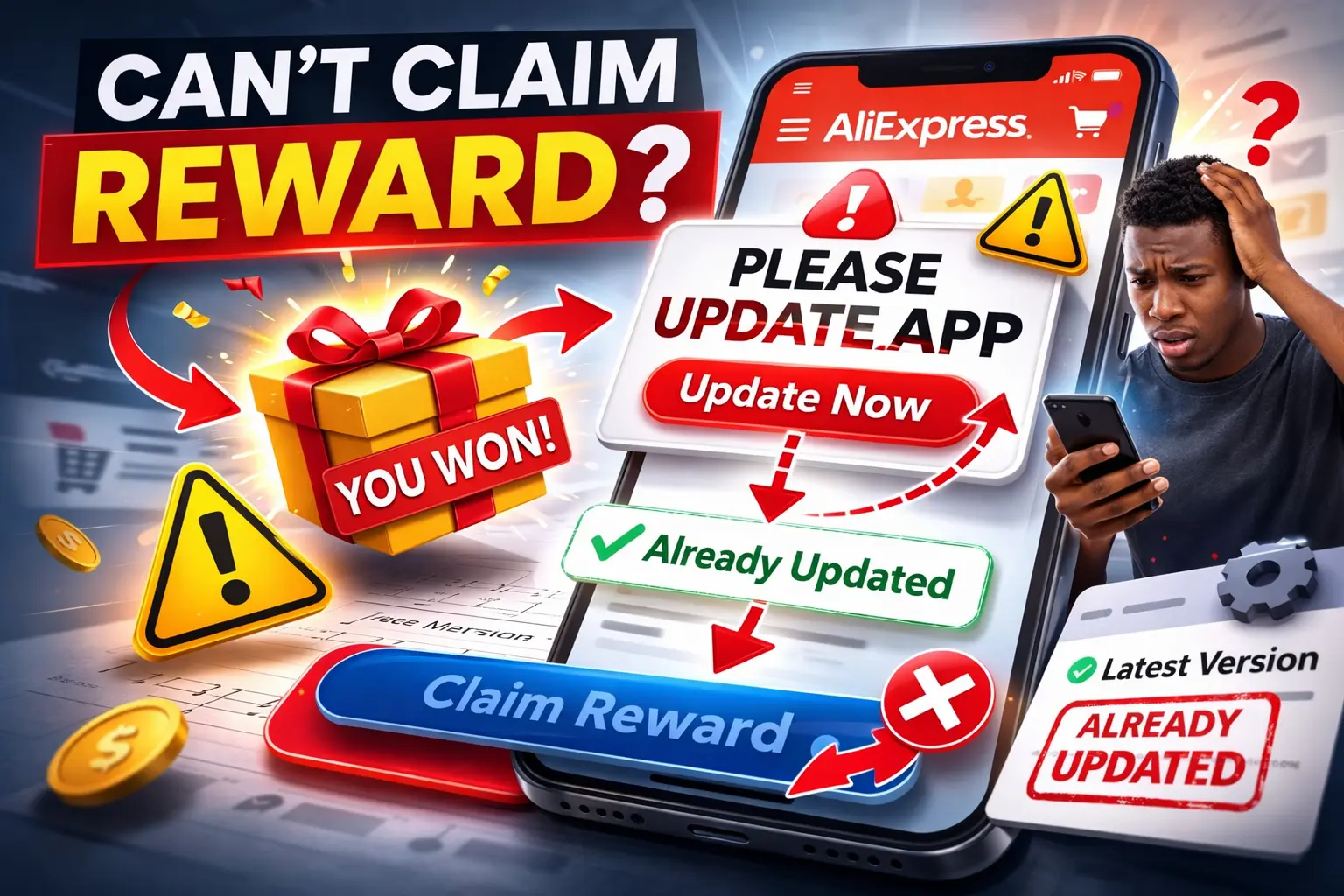
Winning a free prize in an online shopping app should feel exciting. Many marketplaces run promotional games, reward programs, or daily bonuses to encourage users to interact with the platform. Sometimes buyers can win small coupons, free items, or limited-time rewards.
But occasionally, something frustrating happens.
A user wins a prize, tries to claim it, and suddenly the app shows an error message saying the app must be updated — even though the user has already updated it, deleted it, and reinstalled it.
Instead of claiming the reward, the user ends up stuck in a loop.
So what’s going on here?
When the App Keeps Saying “Please Update”
In this situation, the user already did everything most people would try:
- updated the AliExpress app
- deleted the app
- reinstalled the app again
Despite that, the app still refuses to show the reward and displays a message saying the app does not support viewing items in the local supermarket or that the user needs the latest version.
This kind of problem is surprisingly common in large mobile apps.
It can feel like the app is blaming the user’s device, even though the user has already done the update.
Why This Error Happens
Modern shopping apps like AliExpress are extremely complex systems.
They contain multiple layers of features running at the same time, including:
- marketplace listings
- promotional events
- reward systems
- local region offers
- in-app games and prizes
Sometimes these features rely on server-side settings, not just the app installed on your phone.
That means the issue may not actually be the app version at all.
It can be related to things like:
- regional availability of promotions
- temporary server glitches
- account eligibility for a reward event
- mismatched app cache data
Think of it like a vending machine connected to the internet. Even if the machine itself works perfectly, the system controlling the prizes might temporarily malfunction.
Why “Local Supermarket” Messages Appear
The message about “viewing items in the local supermarket” is often connected to region-based promotions inside the app.
Some AliExpress promotions only appear for specific countries or locations.
If the app believes your device location does not match the region required for the promotion, the system may block access to the reward page.
This mismatch can sometimes happen if:
- the app cached old location data
- the promotion server is overloaded
- the event ended but the interface still shows it
When this happens, the app may show confusing messages even if the user already has the newest version installed.
Why Reinstalling Doesn’t Always Fix It
Deleting and reinstalling an app usually clears the local data stored on the device.
But many modern apps rely heavily on cloud servers.
That means the real problem may exist in the platform’s servers rather than on the user’s phone.
If the issue is server-related, reinstalling the app will not change the result because the phone simply reconnects to the same system.
What Users Usually Try Next
When reward features or promotions stop working, many experienced users try a few additional steps:
- logging out and logging back into the account
- checking the promotion through a web browser instead of the app
- waiting a few hours or a day for the system to refresh
- checking whether the promotion is still active
Sometimes these steps allow the reward page to load normally again.
Why App Promotions Can Be Confusing
Marketplace promotions often involve several technical layers.
For example, a single prize claim may depend on:
- app version compatibility
- user account eligibility
- region-based promotion rules
- server-side reward distribution
If any one of those systems temporarily fails, the user may see confusing error messages even when everything seems correct on their device.
Understanding Online Marketplace Features
Large global marketplaces constantly test new features such as rewards, discounts, and promotional campaigns. While these systems can be fun and engaging, they also rely on complicated infrastructure that sometimes produces unexpected errors.
Many buyers prefer researching trending products and useful gadgets directly rather than relying only on promotional reward systems.
If you’re interested in exploring useful gadgets and trending everyday products that buyers around the world are discovering, you can browse curated product insights here:
Exploring reliable product ideas often leads to a smoother shopping experience.
When an App Glitch Blocks Your Reward
Situations like this can be frustrating because the user did everything correctly — updated the app, reinstalled it, and followed the instructions.
In many cases, the problem is not the device but a temporary system mismatch between the app interface and the server controlling the promotion.
Fortunately, these types of issues are often resolved when the platform updates its servers or refreshes the promotional event.
Have You Ever Experienced This?
Have you ever won a reward or coupon inside a shopping app but couldn’t claim it because of an error message?
Did the problem eventually fix itself, or did the reward disappear completely?
Experiences like these are surprisingly common in large shopping apps, and hearing how other users handled them can be helpful.